Store

Pick a version. Press Play.

origin

The launcher

Skip the setup. Just hit Play.
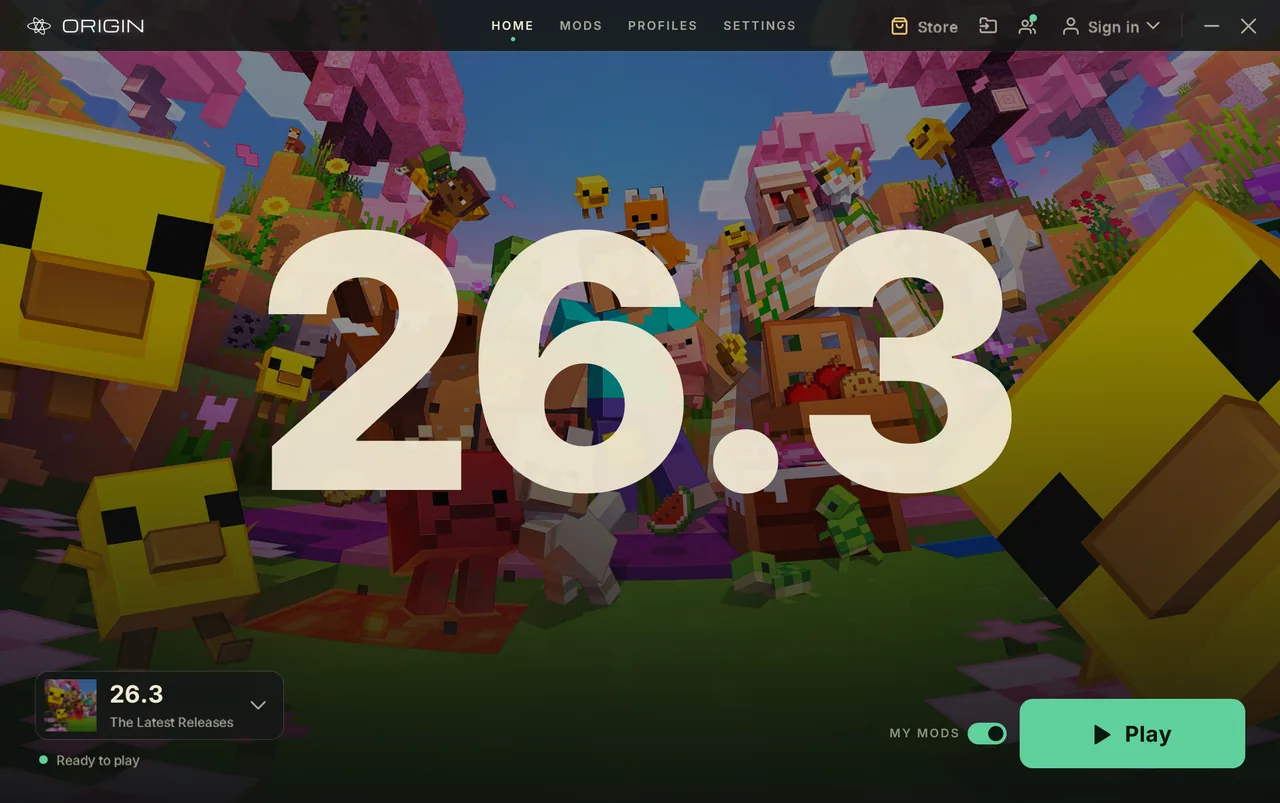
The Origin Launcher's Home screen on Minecraft 26.3: the version number in large type over a cherry grove, the version picker bottom left and a green Play button bottom right.

63 mods inside

    In game

    Origin's own title screen, menus and HUD.
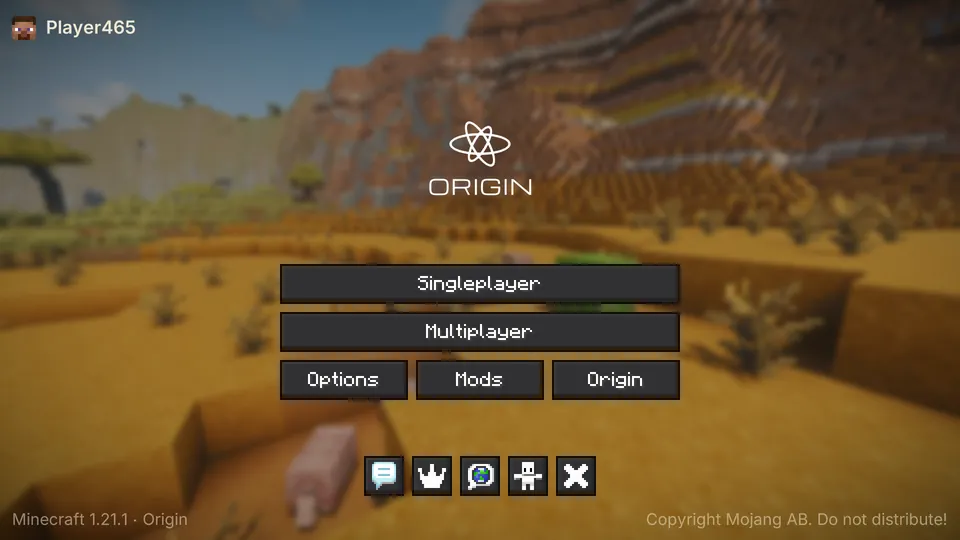
    Origin's title screen in Minecraft 1.21.1: the Origin logo over a shader-lit badlands panorama, with dark Singleplayer, Multiplayer, Options, Mods and Origin buttons.
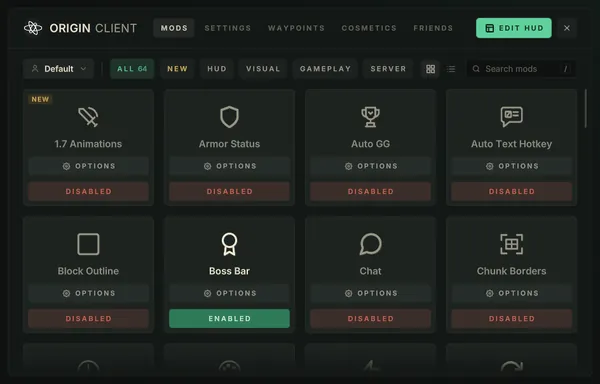
    The Origin Mod Menu in game: a grid of built-in mods such as 1.7 Animations, Armor Status and Chunk Borders, each with Options and an on/off switch.

    Built in

    In game

    Shaders
    Iris and Sodium

    On each version. OptiFine on 1.8.9, with a shader browser in game.

    FPS Coach
    More frames

    Finds what's costing you frames and suggests what to change.

    Settings
    Come with you

    Keybinds, mod settings and HUD positions follow you between versions.

    Your setup

    Your mods
    Load first

    If one does the same job as an Origin mod, yours loads and Origin's steps aside.

    Accounts
    Several at once

    One game window per account, side by side, each with its own worlds and settings.

    Crashes
    Name the culprit

    If a mod stops the game starting, Origin says which one when it can.

    The app

    Price
    Free

    Cosmetics are optional and never an advantage.

    Systems
    Windows and Linux

    Mac as a beta, on macOS 15 or newer.

    Updates
    Automatic

    Origin keeps itself up to date.

    26 versions

    From 1.8.9 to 26.3. Each one is its own build, made for that version's code.

      Opening Origin on a Mac

      The Mac version is new, so macOS doesn't know it yet and asks once before it opens.

      1. Open the download and drag Origin into Applications.
      2. Open Origin from Applications. macOS says it can't check it: click Done.
      3. Open System Settings, then Privacy & Security, scroll down and click Open Anyway next to Origin.
      4. Click Open Anyway again and type your Mac password. From then on it opens like any other app.

      Older Minecraft versions (1.8.9 to 1.18.2) run through Rosetta on Apple Silicon. Origin offers to install it the first time you need it.